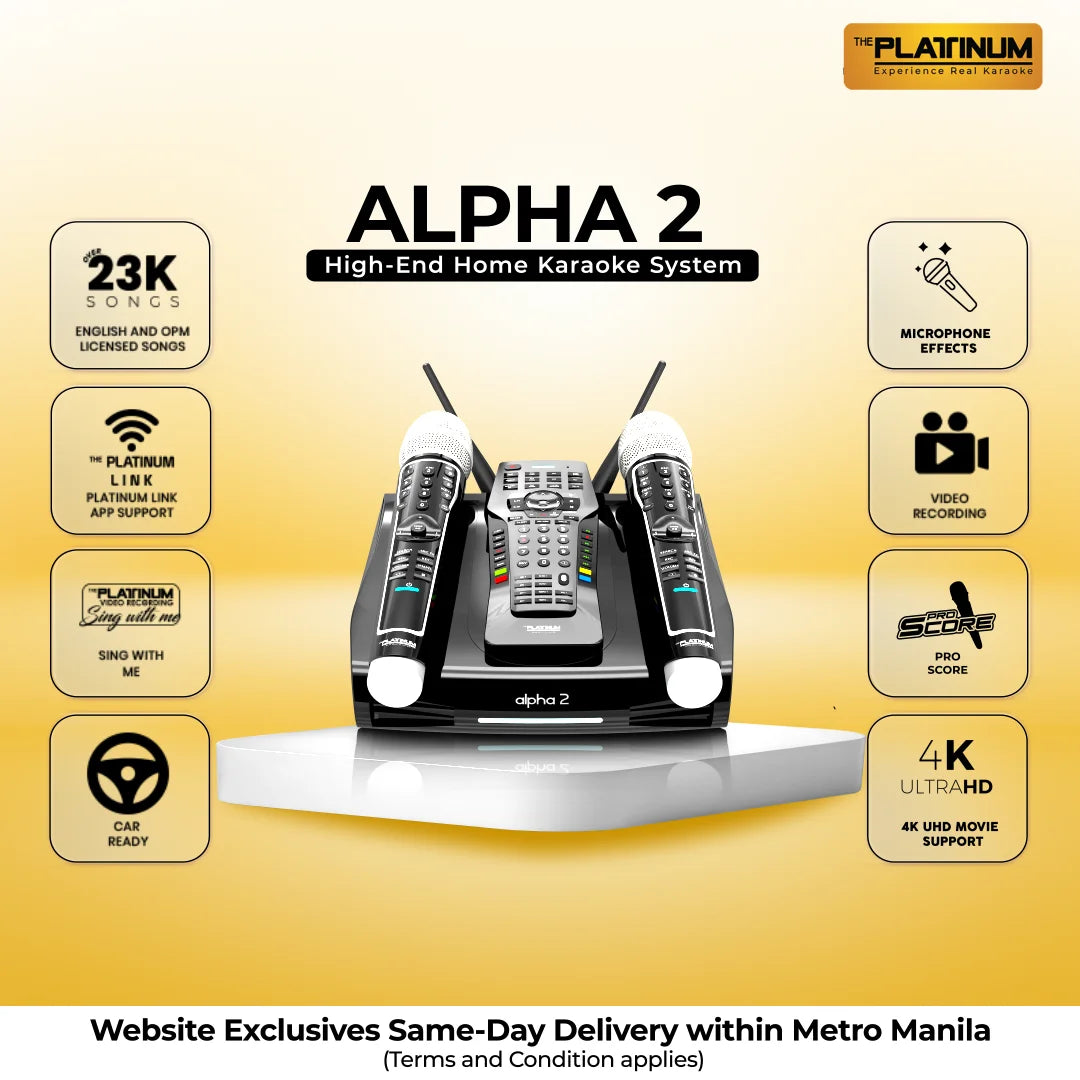
Smart KTV App for (Alpha, Alpha 1.5 and Major Hd 10)
×
Initial Procedure
Download the latest FW for your unit (HD -10 or Alpha 1/1.5) on our website under Music & Updates and Firmware Update
Download Smart KTV App on our website under Music & Updates and Smart KTV App
Extract and install the app
You will be needing a WIFI dongle
Direct Connection
Open unit (Alpha 1/1.5 or HD10)
Then go to:
Set-Up
Network
WIFI
Turn off WIFI for direct connection
Open app
Allow app to access some of your settings
Turn on GPS
Select your karaoke name
You can see your karaoke name on your karaoke by pressing set up on your remote Ex. SMART-KTV-#####
For first time users, after you select your karaoke name, you will be needing codes to connect to your unit. You can see these codes on your TV Screen (upper right) then encode it in your phone.
Note: Notice that the loading symbol will take time (for first time users) because your phone is downloading your unit’s database, please wait until it automatically goes to your app home page.
For those who are NOT first time users, after you select your karaoke name, please wait until it automatically goes to your app home page.
Via Router Connection
Open unit (Alpha 1/1.5 or HD10)
Then go to:
Set Up
Network
WIFI
Turn On WIFI for via router connection
Connect your unit to any available internet you have
Then go back to karaoke mode
Open App
Allow App to access some of your settings
Turn on GPS
Select your router that your karaoke connected to
Then select your karaoke name
You can see your karaoke name on your karaoke by pressing set up on your remote. Ex. SMART-KTV-#####
For first-time users, after you select your karaoke name, you will be needing codes to connect to your unit. You can see these codes on your TV Screen (upper right) then encode it in your phone.
Note: Notice that the loading symbol will take time (for first time users) because your phone is downloading your unit’s database, please wait until it automatically goes to your app home page.
For those who are NOT first time users, after you select your karaoke name, please wait until it automatically goes to your app home page.
Features and Functions
Extensive Song list
Basic Remote Controller
Easy Song Search
Voice Search (This only works with internet connection)
Display temporary BGV Image from your phone to your TV Screen